





















Every year, lakhs of aspirants register for the Common Admission Test (CAT) to secure admission into the prestigious Indian Institutes of Management (IIMs) and top business schools across India. One of the most crucial parts of the registration and application process is the CAT Login portal, where candidates register, fill out applications, download admit cards, check results, and participate in further admission steps.
What is CAT Exam Login?
The CAT Login is a secure candidate portal created on the official CAT website during registration. Once students create their login credentials, they can use them throughout the examination cycle for tasks such as:
- Online registration & completing application form
- Fee payment and form correction (if allowed)
- Downloading admit card
- Accessing mock tests
- Viewing answer key & response sheet
- Checking results & downloading scorecard
This login acts as a digital record of your entire CAT application.
Details Required for CAT Login
- User ID – Sent to your registered email/mobile after registration
- Password – Created during registration process
Why CAT Login Important?
- Application submission
- Admit card download
- Answer key & response sheet
- Result & scorecard
- IIM selection steps
How to Create a CAT Exam Account Login
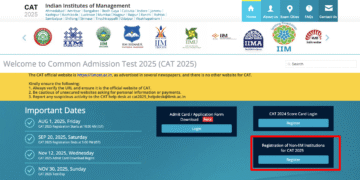
- Visit the Official CAT Website at iimcat.ac.in
- Click “New Candidate Registration”
- Enter Required Information
- Verify Email & Mobile Number
- Login Using Credentials
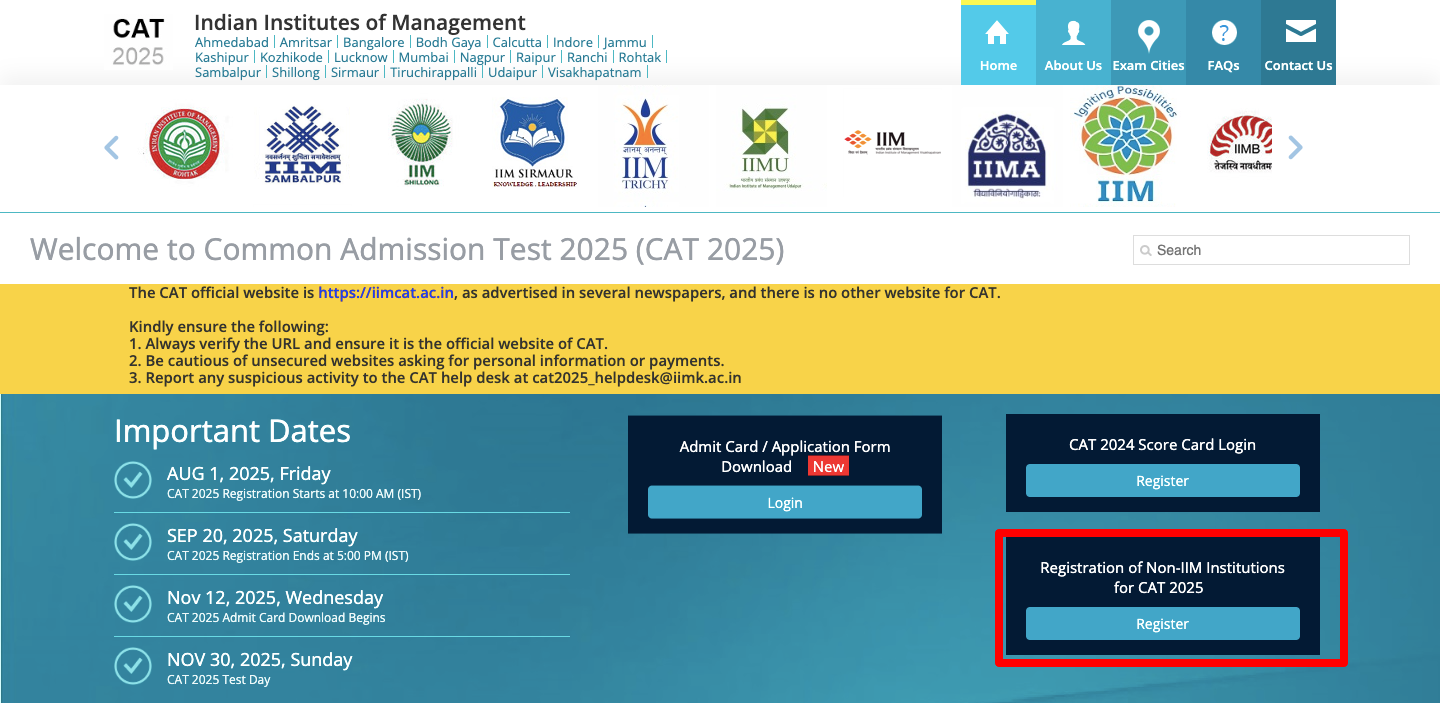
How to Login to CAT Portal
- Visit the login page @ iimcat.ac.in
- Enter User ID
- Enter Password
- Click Login / Sign In
Forgot CAT Login Password? Here’s How to Recover
- Visit the CAT login page
- Click Forgot Password
- Enter registered email address
- A reset link will be sent
- Create a new password and login again
Common CAT Login Issues & Solutions
| Login Issue | Solution |
| Invalid username or password | Re-enter details correctly or reset password |
| OTP not received | Check spam folder, retry later, or use a different network |
| Login page not loading | Try during non-peak hours or switch browser/device |
| Registered mobile number lost | Use email-based recovery or contact support |
| Account locked after multiple attempts | Wait for unlock period or reset password via email |
Tips for Secure CAT Login Management
- Use same email & phone until final admissions
- Save login details securely
- Check portal regularly for updates
- Enable notifications for important alerts
Frequently Asked Questions (FAQs)
What is CAT Login used for?
CAT Login is used to register, fill the application form, download admit cards, access mock tests, check results, and take part in IIM selection stages.
Can I recover my CAT Login password if I forget it?
Yes, you can reset your password using the ‘Forgot Password’ option on the login page. A reset link will be sent to your registered email.
What should I do if I don’t receive OTP while logging in?
Check spam folders, ensure network connectivity, and try again. You may also use a different browser or device.
Can I change my mobile number after creating CAT Login?
Usually, details cannot be changed after registration unless the portal opens an edit window. Otherwise, contact helpdesk support.
How many times can I attempt CAT exam?
There is no official limit on attempts. You can appear as many times as you wish, as long as you meet eligibility criteria.
Do I need CAT Login after the exam is over?
Yes, login is needed to download scorecard, view results, and participate in IIM selection rounds.
Final Thoughts
The CAT login portal is the backbone of the entire exam cycle—from registration to results. Keeping your login details safe, staying updated, and resolving login issues early ensures a smooth experience for MBA aspirants.